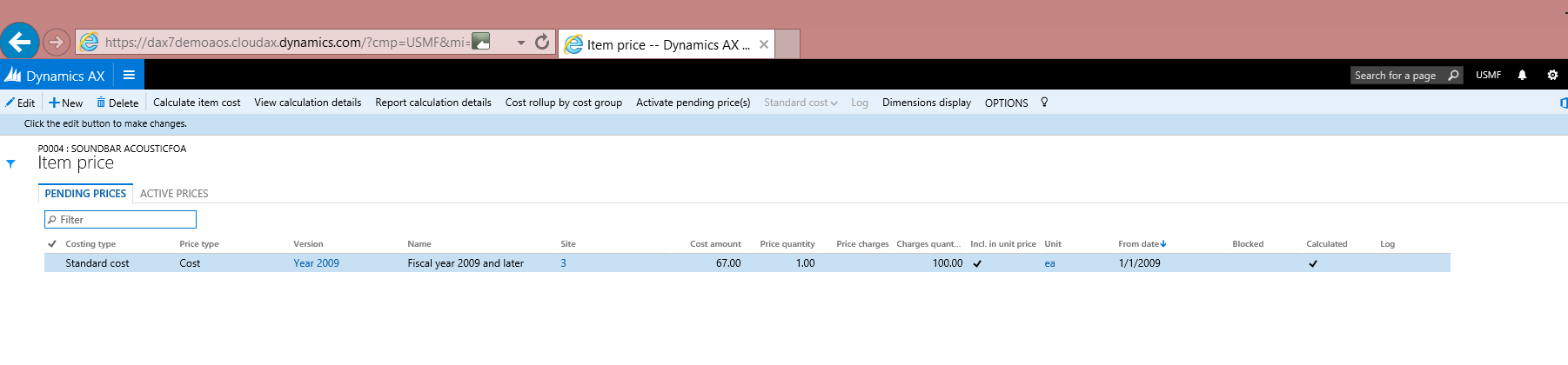
Editing Cost/Price Versions for Products in the New Dynamics AX
Note (2025): This post was written in 2016 for the "New Dynamics AX" (AX7), which has since become Dynamics 365 Finance & Supply Chain Management. The Excel integration and the approach described here remain fully supported in the current platform — the "Microsoft Dynamics Data Connector" is now known as the Microsoft Dynamics Office Add-in.
In this post, we show how easy it is to edit cost and price versions for products in the New Dynamics AX.
Step-by-Step Guide
Go to AX and open Released Products.
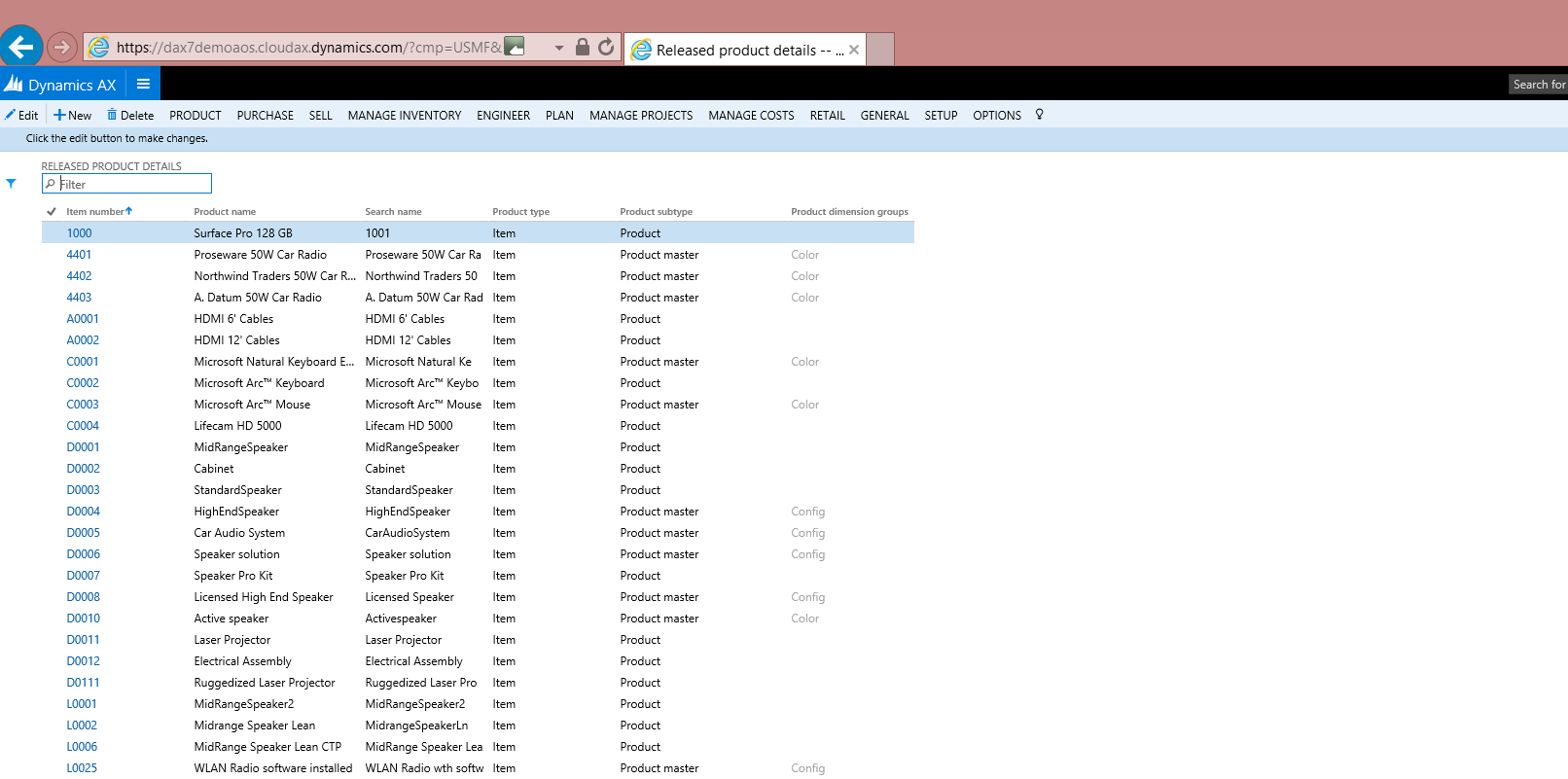
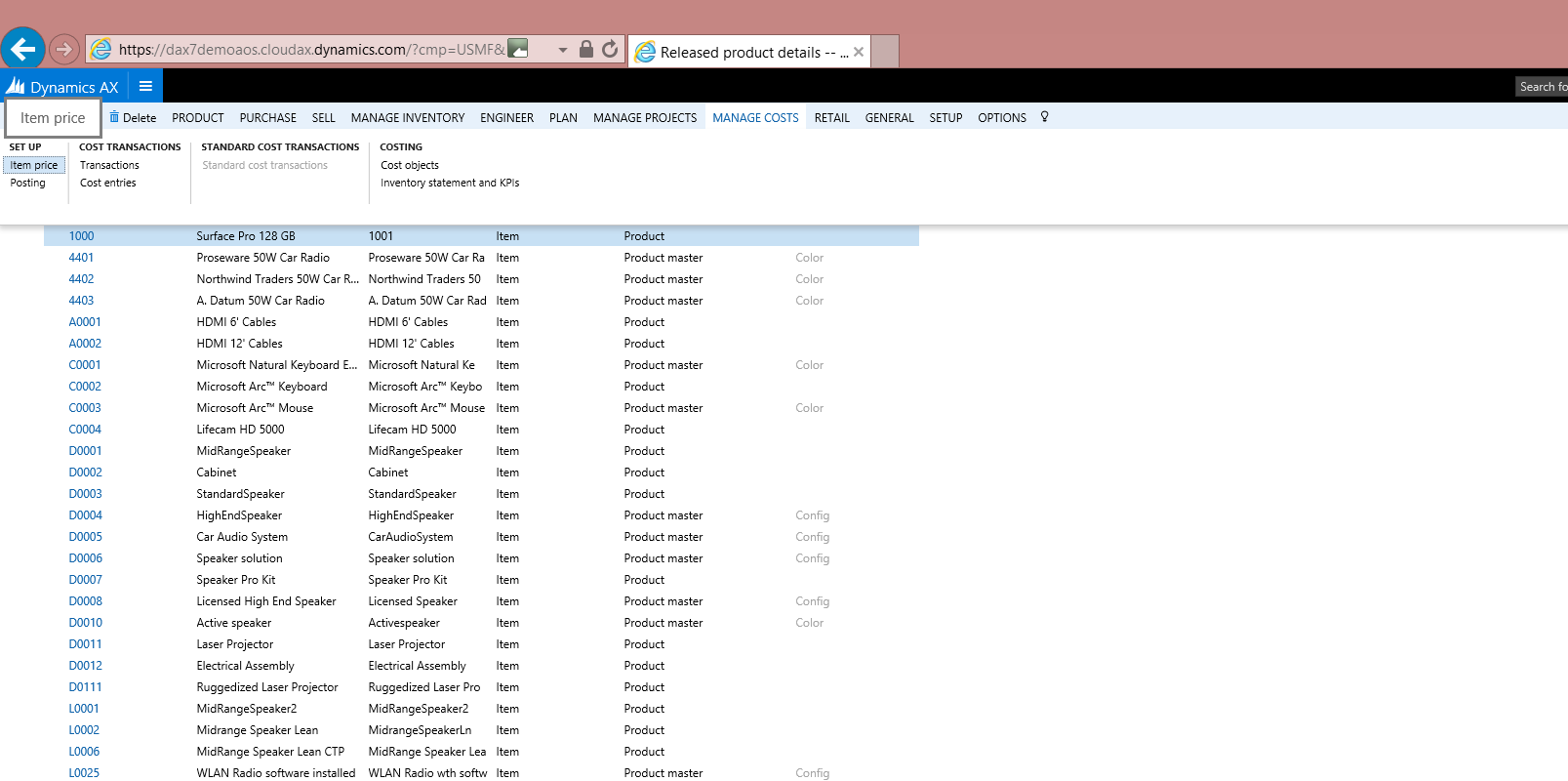
Pick an item you need to update (or any item if you need to update a number of items) and go to Manage Costs > Setup > Item price.
Click the Export to Excel icon and select the Pending Item Prices option.
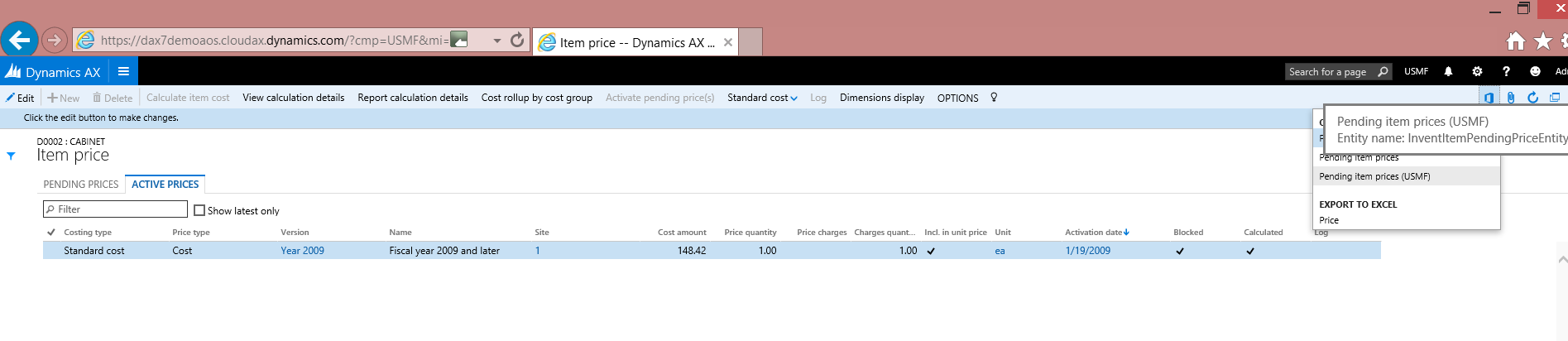
An Excel document opens, showing all pending prices for all items across a single legal entity.
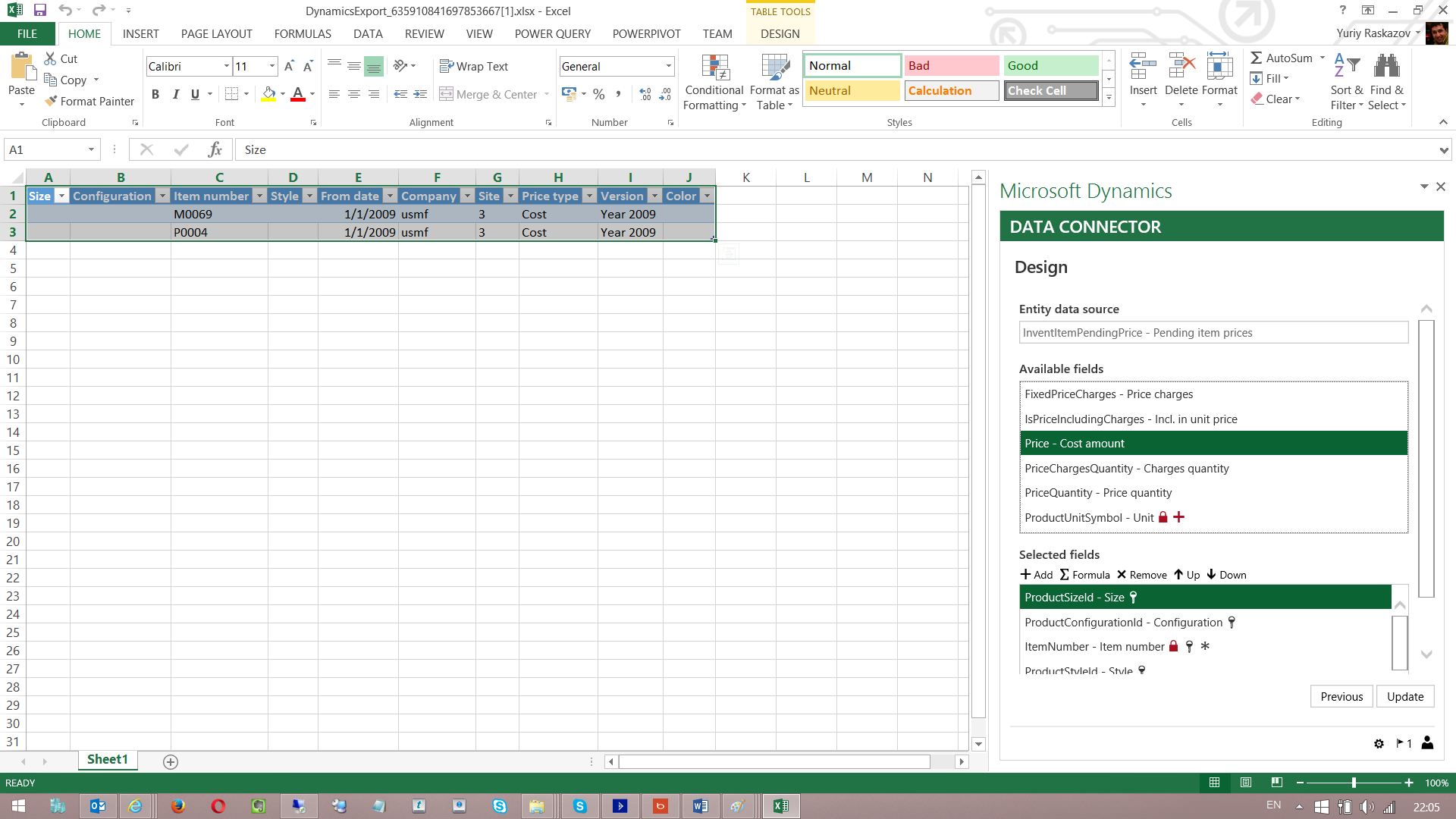
You can add additional fields using the Microsoft Dynamics Data Connector add-on. As an example, I have modified one price and also added a new one for another item.
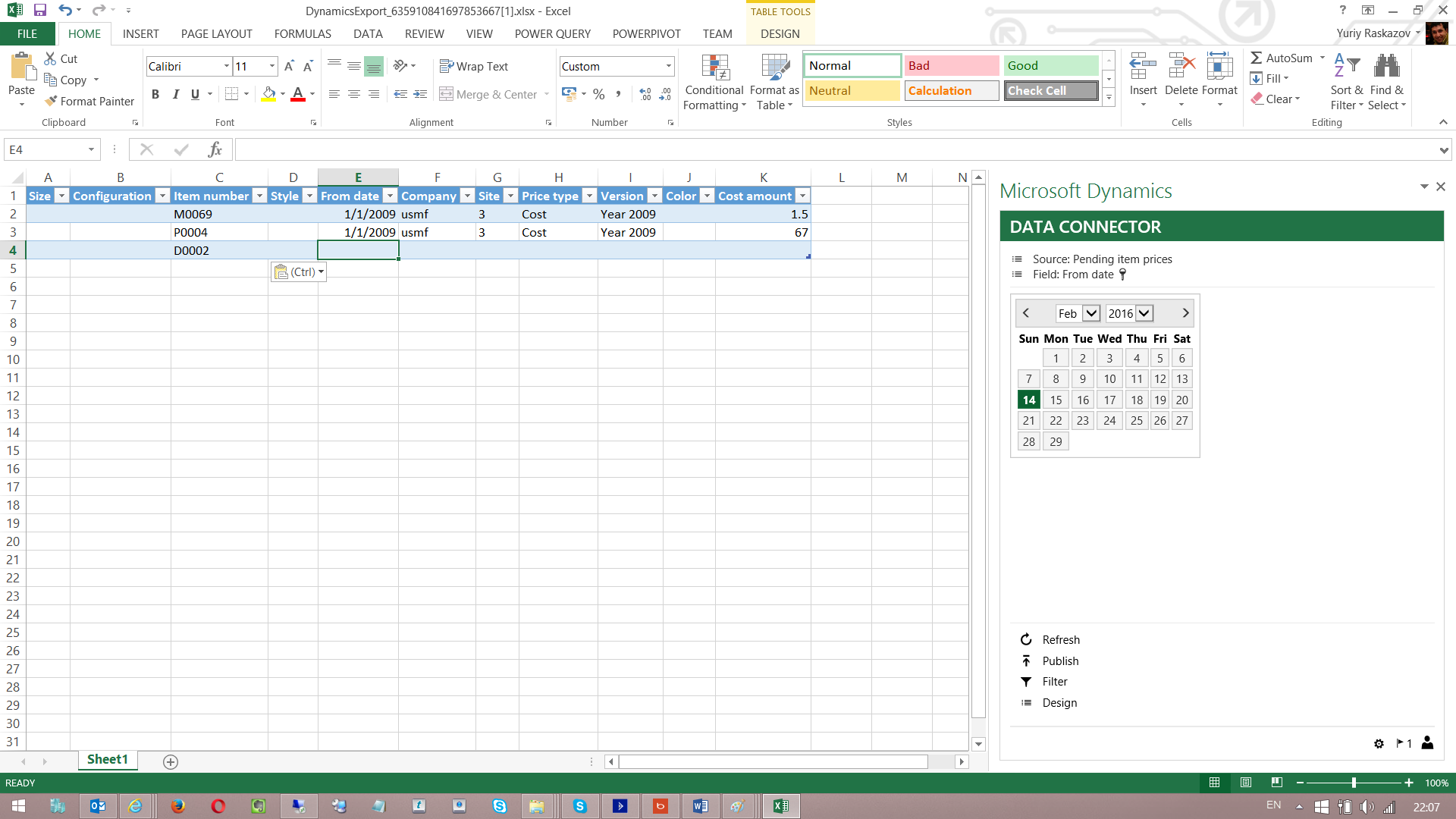
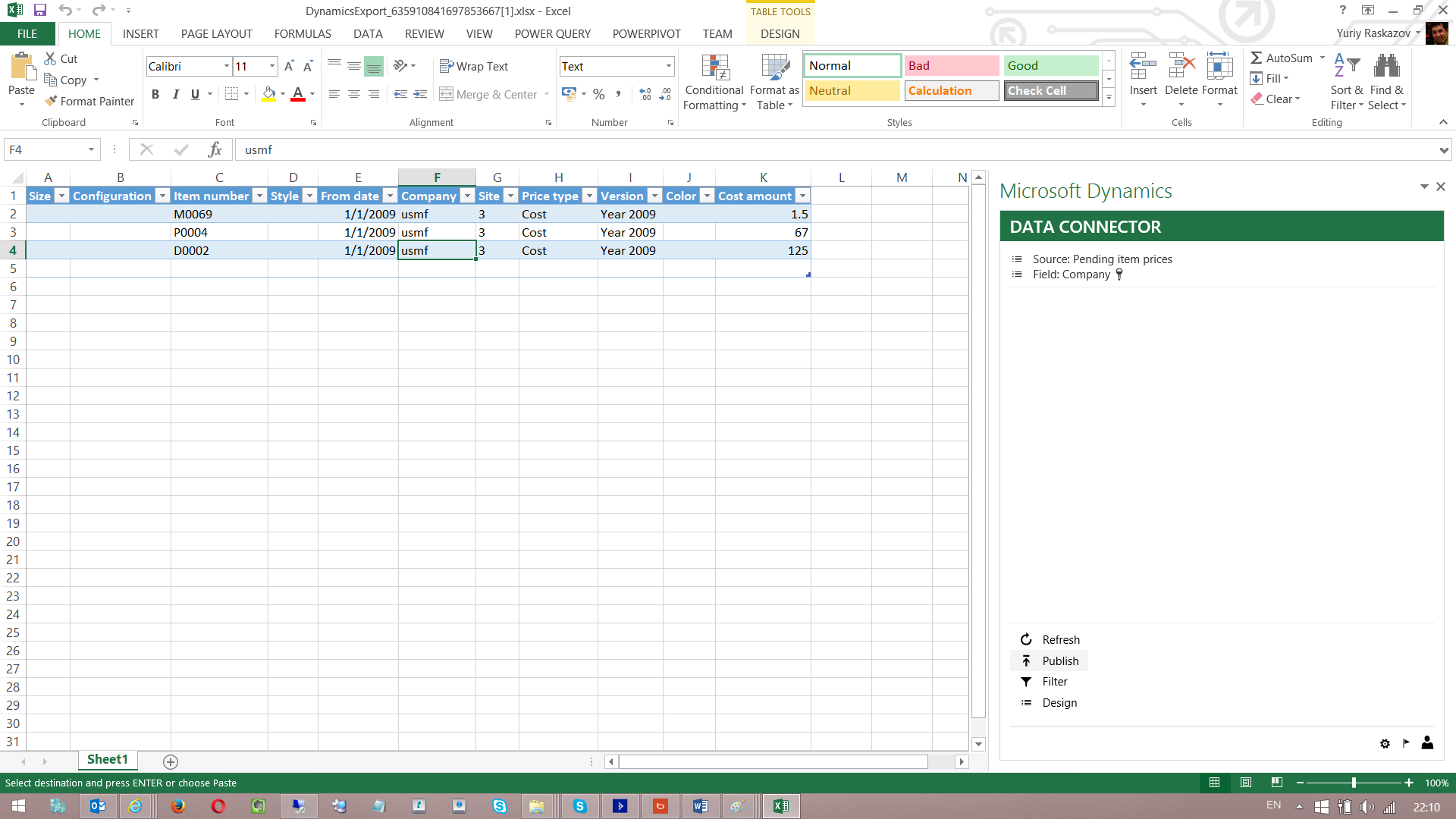
When ready, click Publish on the Dynamics Data Connector.
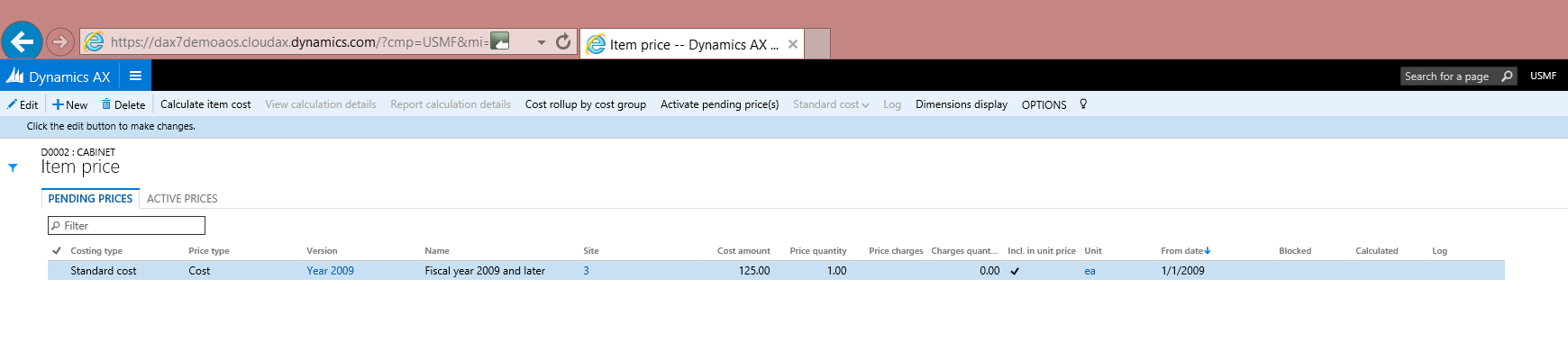
After that, go back to AX and validate the changes.